
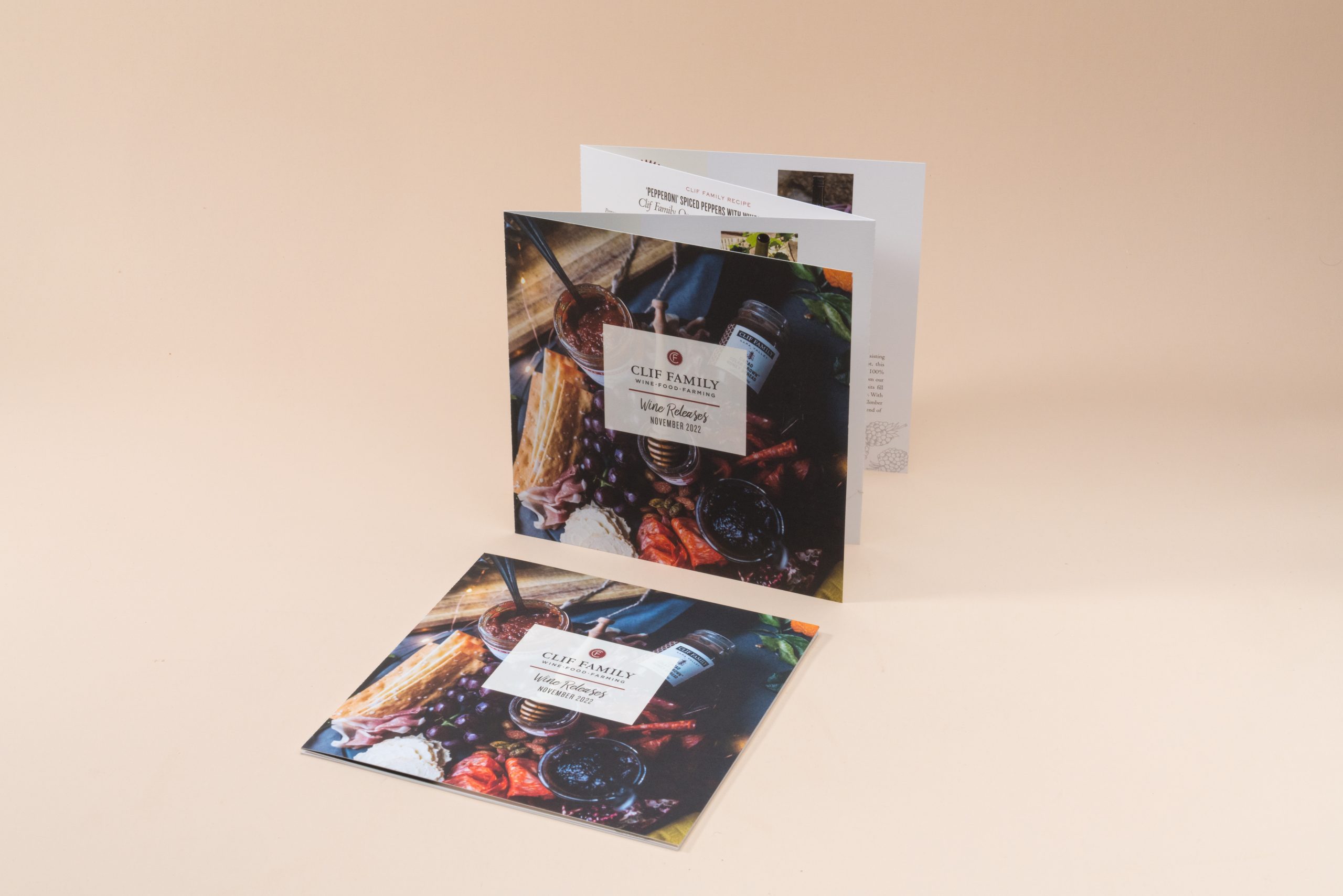
Brochure printing is one of the foundations of print marketing. Brochures serve as powerful, customizable marketing tools for sharing detailed information, creating lasting impressions, and driving both direct interest and integration with online efforts (via QR codes). When done well, a brochure is an invaluable marketing tool.
What is a brochure? What Does a Brochure Look Like?
A brochure is a compact printed piece. It’s usually one sheet that’s folded – sometimes several times – used to present a product, service, event, or organization. It differs from a flyer (a single, flat page) by offering multiple panels for storytelling, specs, pricing, and a call to action.
Well-made brochures balance strong headlines, clear copy, compelling images, and specific next steps.
What Should Be Included In A Brochure?
Start with what your reader needs to decide or do. Then map content to panels. Here’s a standard layout guide:
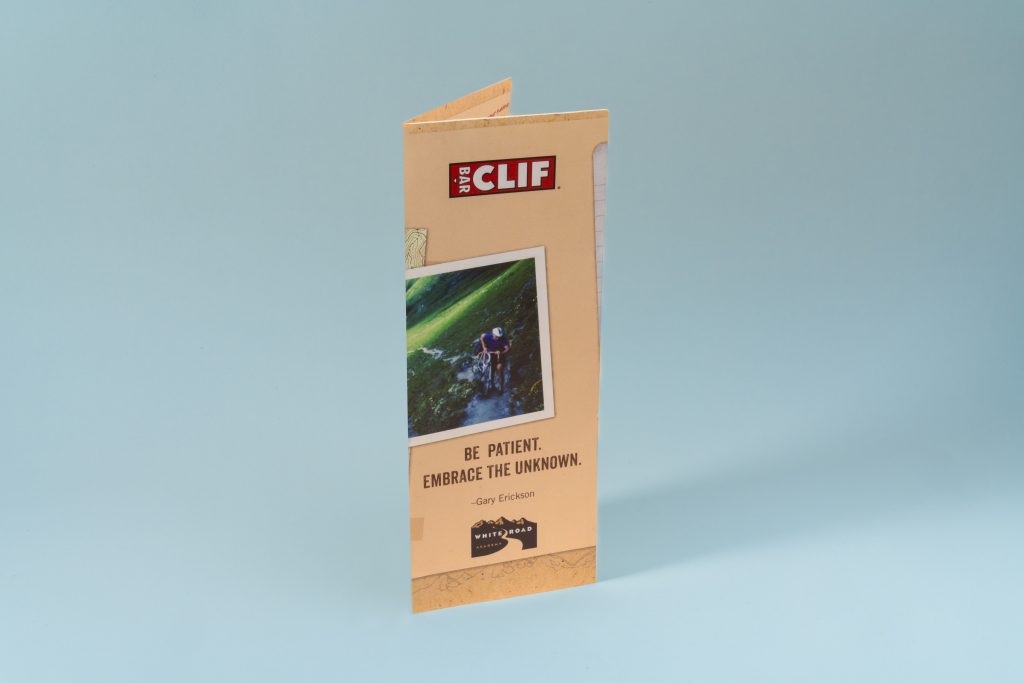
- Front panel: Main headline, logo, short value statement, and a striking image.
- Inside panels: Benefits, features, proof points, and a simple visual hierarchy.
- Back panel: Contact info, social handles, QR code/URL, and a single, clear call to action.
- Helpful extras: testimonials, certifications, a short FAQ, and a compact pricing or service grid.
How To Make A Brochure Step By Step
Begin by clarifying your goals for this piece. Decide what this brochure must do: drive demo requests, promote a new menu, or support sales meetings? With the job defined, identify the audience most likely to act and answer their top questions.
Choose a size and fold that fits the story and budget: a tri-fold offers six balanced panels; a gate fold creates a dramatic reveal; a half-fold suits short menus and programs.
Sketch a panel-by-panel outline before you open design software. Assign a headline to each panel, note the key image, and mark where the call to action will appear.
Gather assets early. Collect brand fonts, CMYK or spot color values, high-resolution images at 300 ppi, and vector logos. Then create your file with the correct trim size, 0.125″ bleed on all sides, and safe margins. Work in CMYK (or defined spot colors) from the start.
Design the layout using a simple grid. Establish type styles for headlines, subheads, body, and captions.
Place images with generous whitespace and avoid putting critical text over folds. Tighten copy so each panel carries one main idea supported by a short proof point or caption.
When the layout feels close, run a focused preflight: confirm linked images, font usage, image resolution, and any overprint settings.
Finally, export a press-ready PDF with bleed included and place your brochure printing order.
Plan the Brochure Layout – Types of Brochure Folds
The fold you pick shapes pacing, panel flow, and cost. Below are common options and when to use them:
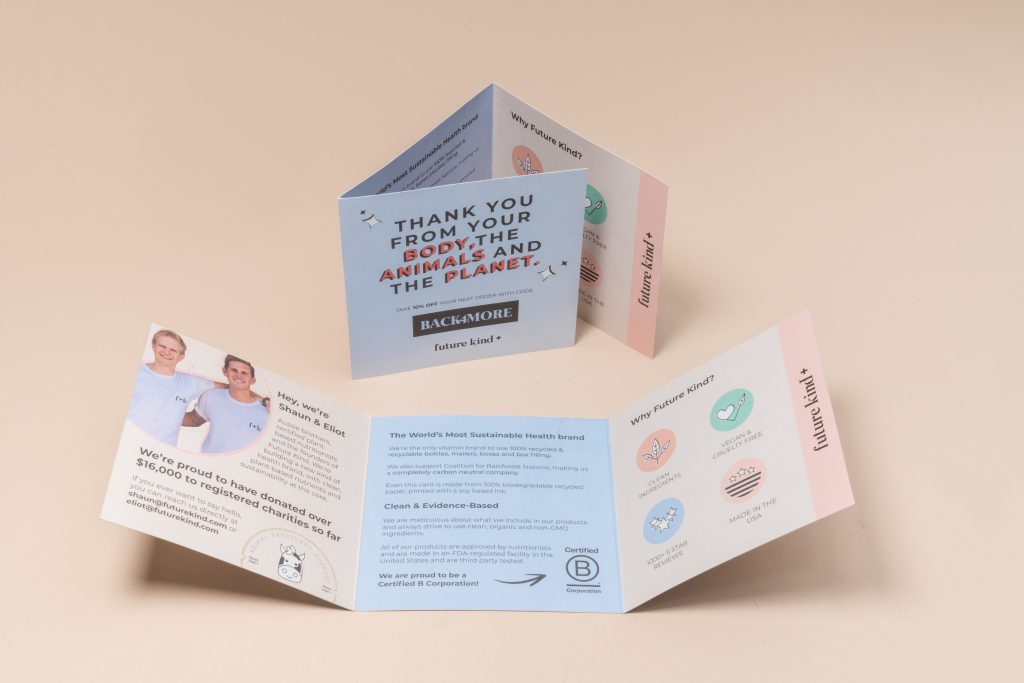
Half-Fold: A clean, two-panel structure per side. It’s simple to design, budget-friendly, and great for programs, short menus, or concise service overviews.
Tri-Fold: The classic six-panel format. It’s ideal for a clear sequence: intro, benefits, details, pricing, and contact. Remember that the inside flap folds inward, so its panel is often set slightly narrower.
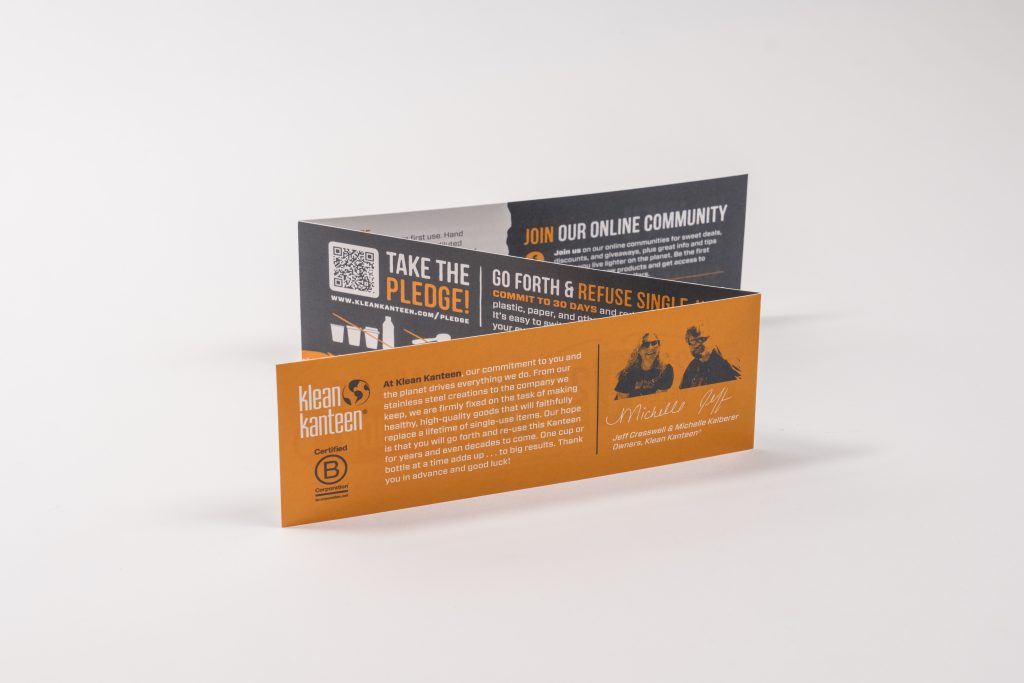
Z-Fold: Panels open in alternating directions, creating a natural step-by-step reveal. It’s useful for timelines, product tours, or journeys where each panel leads to the next.
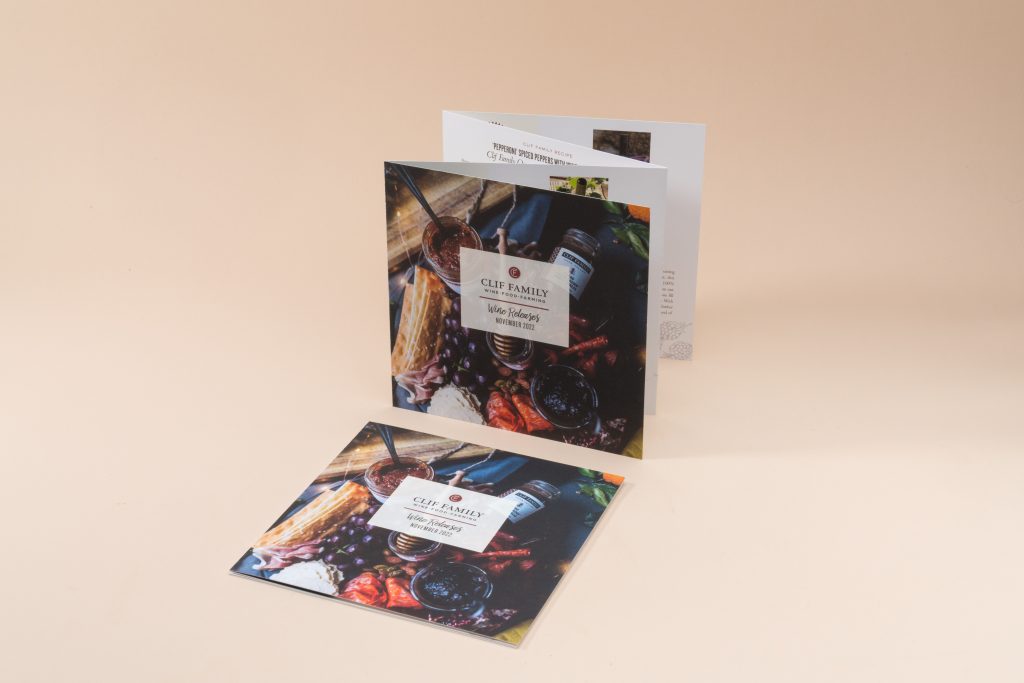
Accordion Fold: Multiple equal panels expand outward. Maps, collections, and multilingual pieces benefit from this format because each panel can stand alone.
Roll Fold: Each panel rolls inward toward the center. This works well for tiered content or progressive reveals. Inner panels may be trimmed slightly narrower to prevent buckling.
Gate Fold: Two side panels open to a dramatic center spread. It’s a strong choice for hero photography or a flagship product. Heavier paper stocks support the premium feel.
Double Gate Fold: The sheet folds in half and then in half again. The result opens to four equal panels on each side and suits mailers and event promos.
Double Parallel Fold: Fold in half, then fold again in the same direction to create tall, narrow panels. It’s helpful for dense specs, parts lists, or multiple language versions.
A quick thumbnail sketch of each panel with your design will save time later. Decide where headlines land, where images breathe, and where the QR code points before you start moving type.
Create & Design the Brochure
Design with clarity and consistency:
Grid & margins: Use a column grid (2 – 4 columns per panel) for tidy alignment and faster placement. Keep type away from folds and trims.
Typography: Pick one primary typeface with a complementary accent. Establish headline, subhead, body, and caption styles. Keep body text in the 9–11 pt range for most formats.
Color: Use your brand palette in CMYK or spot inks. Favor high contrast for readability and accessible design.
Imagery: Choose high-resolution photos or vector illustrations. Crop for impact, add concise captions, and avoid busy backgrounds behind text.
Calls to action: Focus on one main call to action to not overwhelm your readers. Use a short phrase like “get a quote” or “learn more” and add a QR code to track results.
Review Your Brochure Design
Give the piece a careful pass before you print. Read headlines out loud and skim like a busy customer; the sequence should be obvious without effort.
Then do a focused quality pass before you print:
- Read headlines out loud. They should scan quickly and lead the reader forward.
- Check alignment, spacing, and consistency of type styles.
- Confirm panel order and which panel folds inward.
- Test all QR codes with multiple phones.
- Verify contact info, URLs, and any legal lines or certifications.
It can be very helpful to have multiple people review your design before sending it to print. Especially someone who hasn’t seen the design before.
How To Prepare A Brochure For Print
A clean handoff saves time and avoids rework:
- Color: Work in CMYK or specify spot/Pantone colors. Avoid mixing RGB objects with CMYK unless your printer guides you.
- Bleed & margins: Add 0.125″ bleed on all sides; keep critical text at least 0.125″–0.25″ inside the trim.
- Images: Use 300 ppi at final size; keep logos as vector when possible.
- Fonts: Embed fonts in the PDF; if advised by your printer, outline display fonts.
- Overprint & transparency: Check overprint settings for black text and spot colors.
- File format: Export a single press-ready PDF with bleed included; no printer’s marks unless requested.
Print Your Brochures with Greener Printer
Greener Printer specializes in premium, eco-conscious brochure printing services with thoughtful materials and expert support. We offer recycled and FSC®-certified papers, soy/vegetable-based inks, waterless offset, and high-efficiency digital printing for short runs.
You’ll get clear file prep guidance, fast proofs, and dependable turnaround, plus advice on folds, paper, and coatings that fit your goals. When you want custom brochure printing that looks polished, reads clearly, and respects the planet, Greener Printer is a partner you can count on.
Ready to bring your project to life? Greenerprinter offers a full range of sustainable printing options. Explore some of our most popular products:
Book & Booklet Printing
Custom Book Printing | Custom Booklet Printing | Saddle-Stitched Booklets | Zines | Catalogs | Custom Calendars