

If you’ve ever designed something that looked vibrant on screen but came out dull or off-color once printed, you’ve run into the CMYK vs. RGB problem. These are two different color models, and understanding the difference is essential for anyone preparing files for print. Here’s what each one is, how the color wheels differ, and which one you should actually be using.

What Is CMYK?
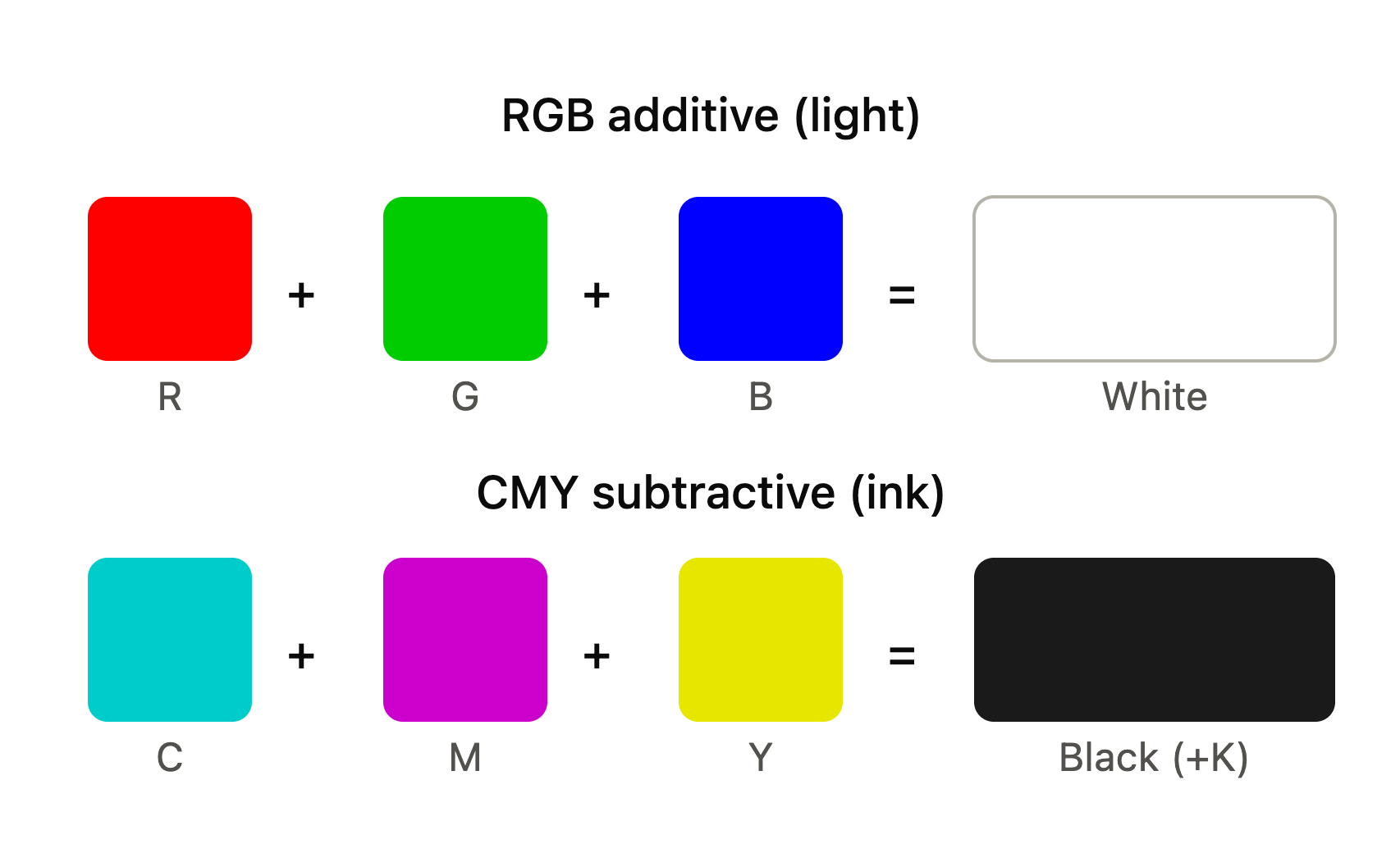
CMYK stands for Cyan, Magenta, Yellow, and Key (black) — the four ink colors used in most commercial and home printing. CMYK is a subtractive color model, meaning colors are created by layering inks that absorb (subtract) light, building up toward black as more color is added. This is the color mode printers physically use to reproduce color on paper.
What Is RGB?
RGB stands for Red, Green, and Blue — the three colors of light used by screens, monitors, cameras, and digital displays. RGB is an additive color model, meaning colors are created by combining light, building up toward white as more color is added. This is the color mode your computer, phone, and camera use to display images.
The CMYK and RGB Color Wheels
Because CMYK and RGB work in opposite ways (subtractive vs. additive), their color wheels look different and produce colors differently:
- RGB color wheel: Built from red, green, and blue as primary colors. Mixing red and green light produces yellow; mixing all three at full intensity produces white.
- CMYK color wheel: Built from cyan, magenta, and yellow as primary colors (with black added for depth and true shadows). Mixing all colors together moves toward black rather than white.
This is also why the classic color question “what does red and green make?” has two different answers depending on context: in RGB (light), red and green make yellow. In traditional pigment-based color mixing (closer to CMYK’s subtractive logic), mixing red and green pigments typically produces a muddy brown, not yellow.
CMYK vs. RGB: Key Differences
| CMYK | RGB | |
|---|---|---|
| Type | Subtractive (ink) | Additive (light) |
| Used for | Screens and digital displays | |
| Base colors | Cyan, Magenta, Yellow, Key (black) | Red, Green, Blue |
| Mixing result | Moves toward black | Moves toward white |
| Color range | Smaller (more limited/muted) | Larger (more vibrant) |
Should You Use CMYK or RGB for Printing?
Always use CMYK for printing. Since printers physically apply ink using the CMYK model, files set up in RGB have to be converted at some point in the process — and RGB has a wider color range (or “gamut”) than CMYK can reproduce. This means some bright, saturated RGB colors — especially certain blues, greens, and neons — simply can’t be matched exactly in CMYK ink and will appear duller or shifted once printed.
Best practice: Convert your files to CMYK before sending them to print, rather than letting the printer or print software do an automatic (and less predictable) conversion. This gives you more control over how colors will actually look on the final printed piece.
Why Don’t Printers Just Use RGB?
This is a common question — if screens can display such vibrant RGB color, why can’t printers use it directly? The answer comes down to physics: RGB relies on emitting light (like a backlit screen), while printing relies on reflecting light off ink and paper. There’s no practical way to “emit” red, green, and blue light from a printed page — printers have to use pigmented inks, which work subtractively. CMYK is the color model that’s physically achievable with ink on paper.
What Colors Do Printers Use?
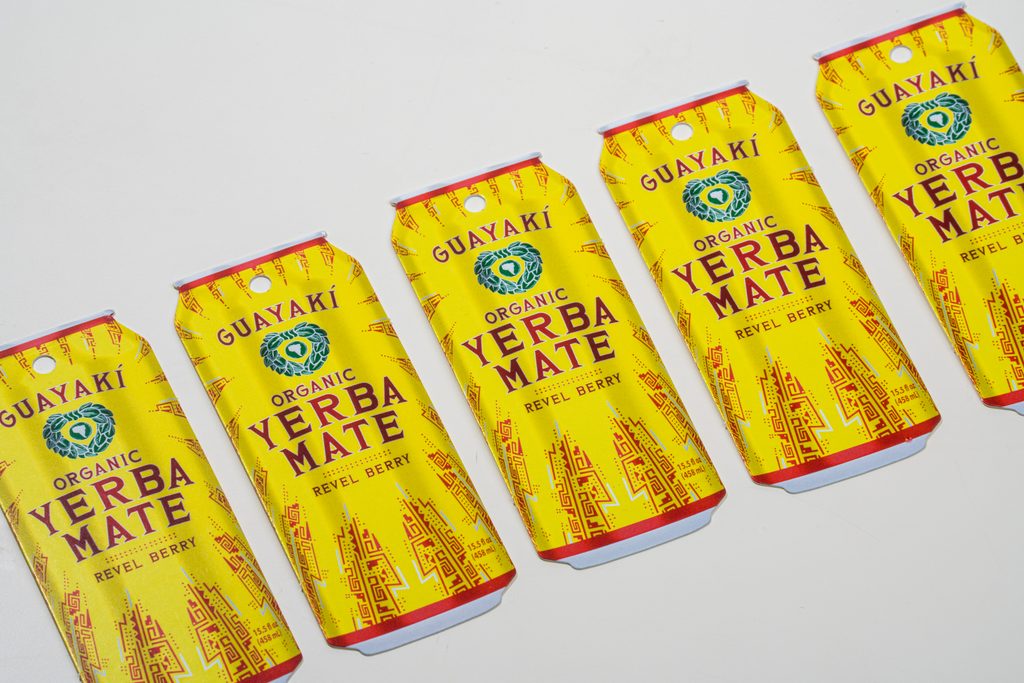
Standard commercial and home printers use the four CMYK ink colors: cyan, magenta, yellow, and black. Some specialty and wide-format printers add additional ink colors (like light cyan, light magenta, orange, or green) to expand the achievable color range beyond standard CMYK — but the foundational model remains subtractive, ink-based color.
Is a PNG RGB or CMYK?
By default, PNG files are typically saved in RGB color mode, since PNGs are most commonly used for digital and web purposes. If you’re using a PNG in a print project, it’s important to convert it to CMYK during file prep — otherwise, the colors may shift unexpectedly once printed.
Quick Recap
- RGB = screens and digital displays (additive, light-based)
- CMYK = print (subtractive, ink-based)
- Always convert your files to CMYK before sending them to print
- Some bright RGB colors can’t be perfectly matched in CMYK — expect some color shift on vivid, saturated tones
Ready to Print with Accurate Color?
Getting your color mode right is one of the easiest ways to avoid surprises when your project comes back from print. Greenerprinter’s prepress team checks your files for color accuracy before anything goes to press, so what you designed is what you get.
Ready to bring your project to life? Greenerprinter offers a full range of sustainable printing options. Explore some of our most popular products:
Calendar Printing
Custom Calendars | Wall Calendars | Saddle-Stitched Calendars
Book & Booklet Printing
Custom Books | Custom Booklets | Saddle-Stitched Booklets | Zines | Catalogs
Brochure Printing
Custom Brochures | Tri-Fold | Bi-Fold | Gate Fold | Z-Fold