
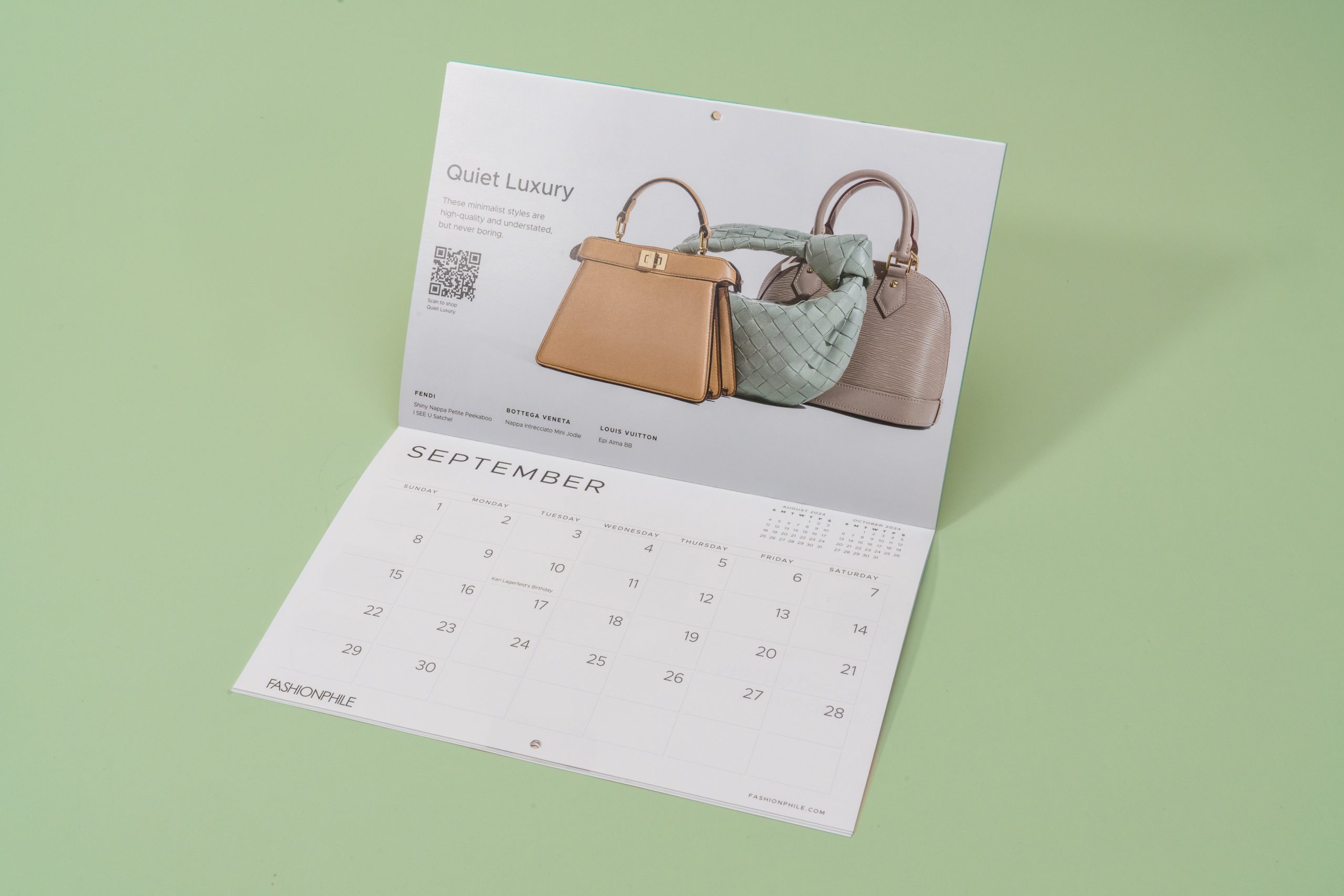
A custom photo calendar combines function and personalization in a way few printed products can. Whether you’re designing a promotional piece for your business, a client gift, or a meaningful keepsake, a well-crafted calendar keeps your message in sight all year long.
For small businesses, creative professionals, and eco-conscious individuals alike, photo calendars offer a smart way to communicate, inspire, and stay top-of-mind. But the difference between a forgettable calendar and one people actually use often comes down to design, material choices, and print quality.
Why Create a Custom Photo Calendar?
Photo calendars are versatile. Individuals use them to share family memories or mark milestones. Businesses often rely on them as promotional tools: cost-effective, useful, and visually impactful. With 12 months of exposure on a client’s wall, a well-designed calendar keeps your brand top-of-mind without being intrusive.
But to create a photo calendar that looks professional and prints accurately, it’s important to approach the project with the right tools and process.
Step 1: Choose the Format and Size
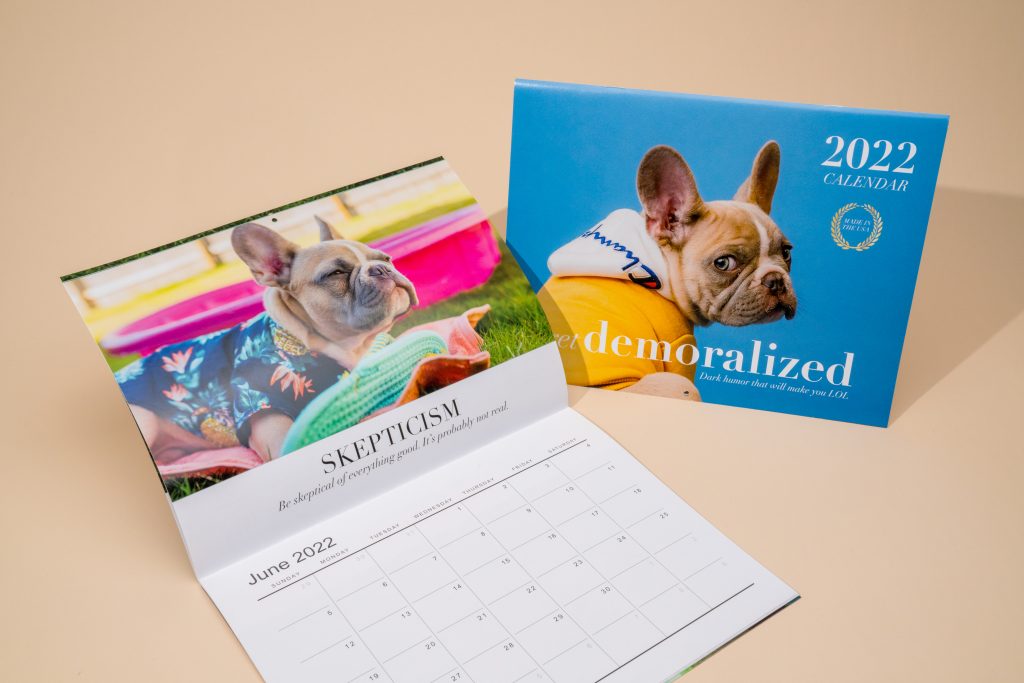
Start by deciding how your calendar will be used. Will it hang on a wall, sit on a desk, or maybe both? The format affects everything from layout to binding. At Greenerprinter, we offer two standard sizes:
5.5″ x 8.5: A compact, easy-to-mail option that works well for personal gifts or small business promotions.
8.5″ x 11″: A more spacious layout, ideal for showcasing larger photos and including detailed notes or branded content.
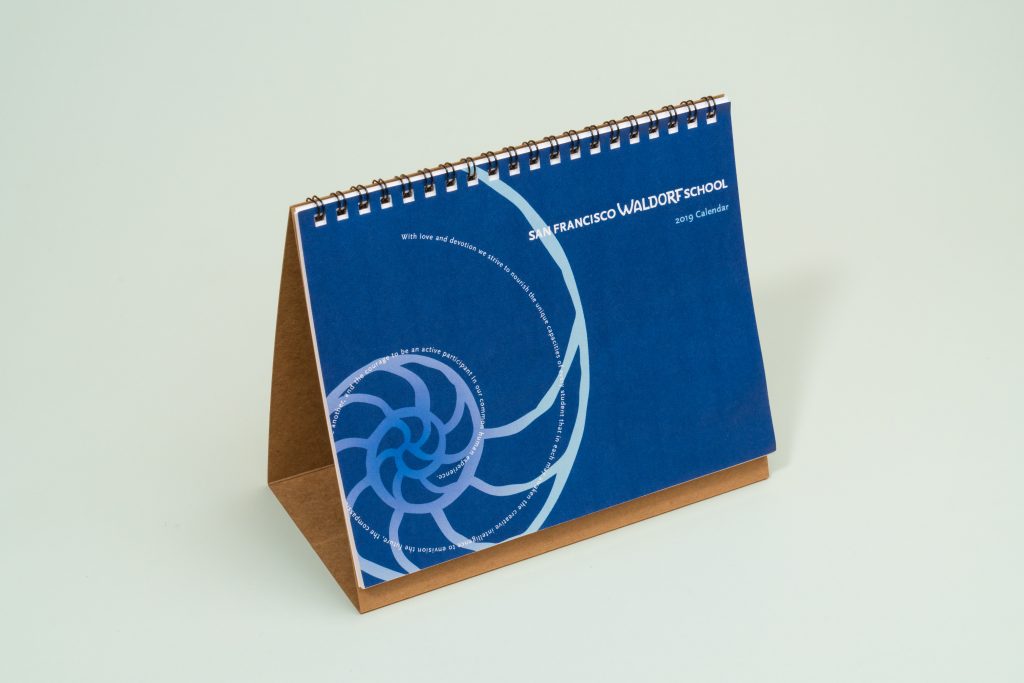
Both sizes are available with saddle stitch or spiral binding, and can be printed on 100% post-consumer recycled paper using eco-friendly inks.
Step 2: Select and Organize Your Photos
High-resolution, print-ready images are critically important. Each image should be at least 300 DPI at the size it will appear in the layout. Stretching a low-resolution photo can lead to blurry prints, something to avoid when quality is the goal.
Tips for Photo Selection:
- Keep the subject matter consistent: a theme per calendar helps it feel cohesive (travel, nature, pets, product shots).
- Avoid overly dark or low-contrast images.
- Plan layout balance: horizontal images often work better with traditional calendar formats.
Also, consider including custom photos for specific dates (e.g., product launches, anniversaries, team birthdays). This adds a personal or branded touch that people notice.
Step 3: Choose a Design Platform
You don’t need to be a seasoned designer, but having access to the right tools helps:
Adobe InDesign or Illustrator is best for full customization and print control. While Canva or online design tools can work well for simpler projects. Always download a high-quality PDF or press-ready file (with bleed and crop marks) for professional printing.
If your photo calendar will be used for marketing or sales, investing in professional design can elevate the final result.
Step 4: Set Up Your Calendar Layout
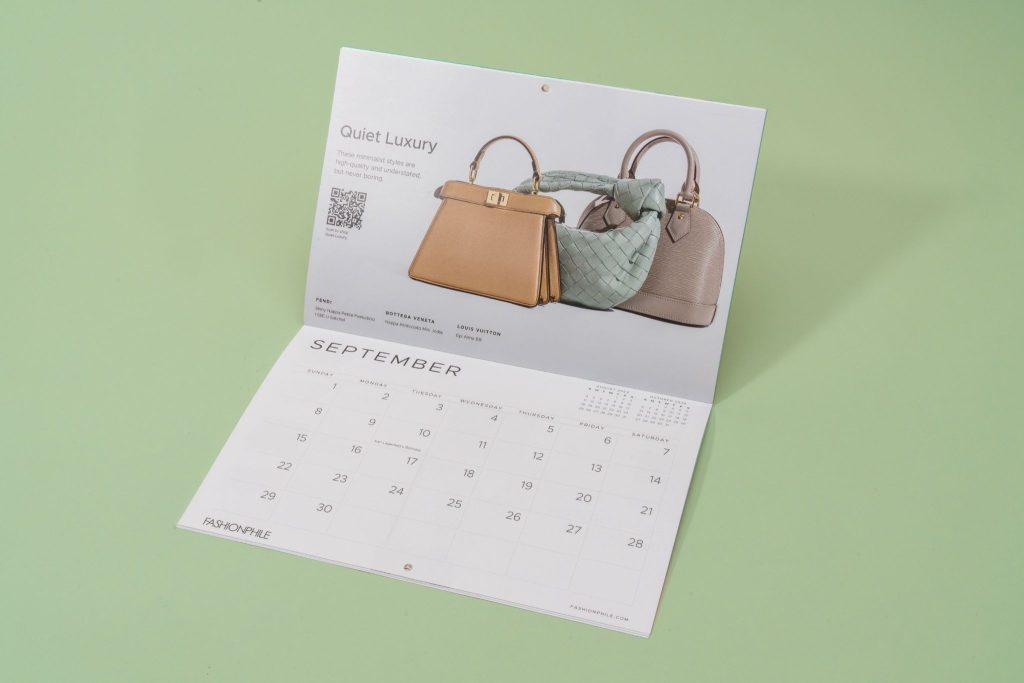
A good photo calendar layout does two things: it showcases your images without clutter and clearly displays dates and events. Layout Tips:
- Leave space around images and text so nothing critical gets trimmed.
- Use clean, legible fonts for dates and months.
- Add holidays, milestones, or branded events directly into the date grid.
- Include your logo subtly on each page or photo if your calendar is promotional.
Greenerprinter provides downloadable layout templates that include standard bleed, margin, and trim lines. These help you avoid surprises at print time.
Step 5: Prepare Your File for Print
Before submitting your calendar for printing, check that all files are formatted correctly. This helps avoid production delays and print issues.
Checklist Before Sending to Print:
- Use CMYK color mode, not RGB.
- Include 1/8” bleed on all sides.
- Embed or outline fonts.
- Ensure image resolution is 300 DPI.
- Export as a print-ready PDF with crop marks and bleed settings.
To help make this step easier, we offer a detailed File Set-up Checklist. It outlines the exact specifications our press requires. If a file doesn’t meet these standards, it could result in inaccurate printing. Reviewing the checklist before submitting your artwork helps streamline production and keeps your project on track.
If you’re unsure about any step, Greenerprinter offers complimentary file checks to catch issues early and help you stay on schedule.
Step 6: Print With a Trusted Partner
Printing with a quality commercial printer like Greenerprinter gives you flexibility in paper choice, binding style, and eco-conscious production. We offer 100% post-consumer recycled paper options, vegetable-based inks, and carbon-offset shipping for a cleaner footprint.
If you’re printing a dozen calendars for holiday gifts or several thousand for business promo materials, we provide expert guidance and fast turnaround times – even during the end-of-year rush.
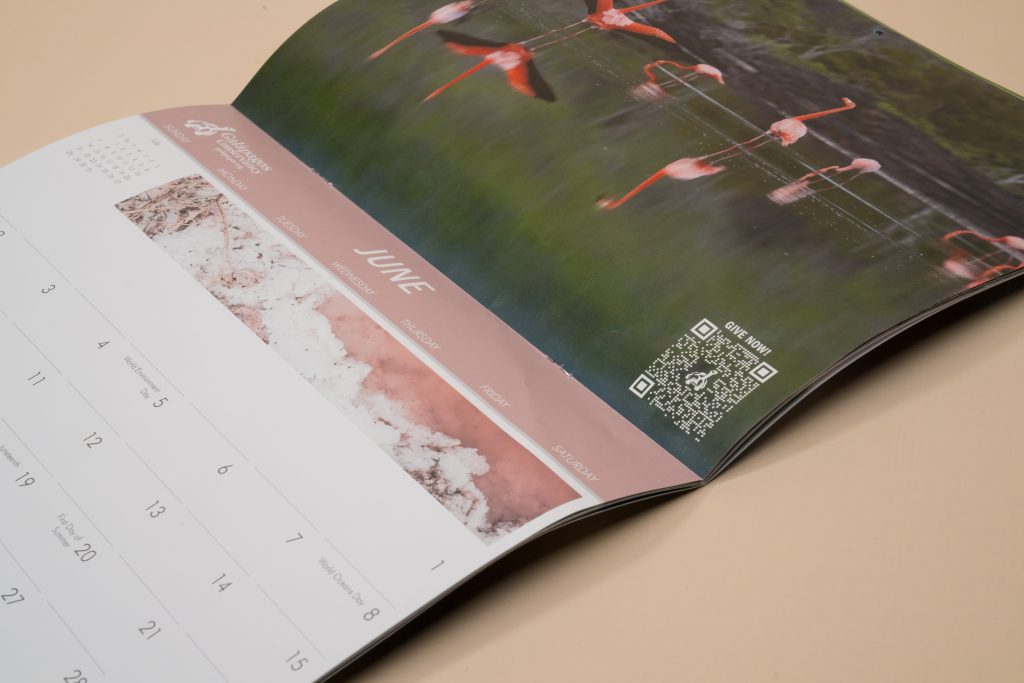
Make Your Photo Calendar Count
A well-executed custom photo calendar can impress clients, engage customers, or celebrate personal milestones in a lasting format. With the right prep, high-quality materials, and thoughtful design, it becomes more than just a date tracker. It becomes something people keep and use every day.
Greenerprinter makes it easy to bring your calendar project to life. From layout templates and paper samples to print support and sustainable materials, we’re here to help you create something truly memorable.
Ready to bring your project to life? Greenerprinter offers a full range of sustainable printing options. Explore some of our most popular products:
Book & Booklet Printing
Custom Book Printing | Custom Booklet Printing | Saddle-Stitched Booklets | Zines | Catalogs | Custom Calendars